Microsoft

eWallet for Windows 8/RT 7.4 update

by Ken

Windows logo

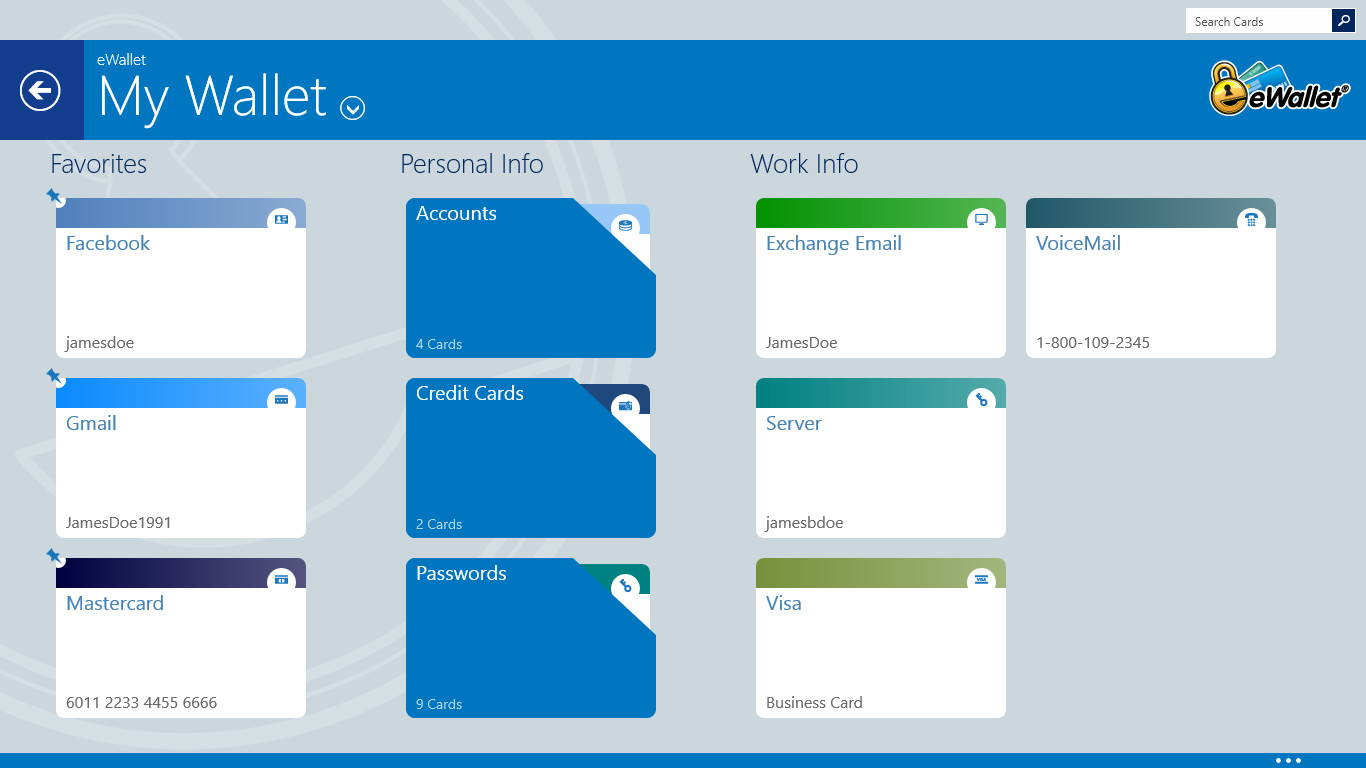
The new 7.4 version of eWallet ® for Windows 8.1 and Windows RT 8.1 is now in the Windows Store. This updated version adds full support for Windows 8.1, a search box on the main screens, support for resizing the full screen windows, easier adding of custom details to card, and performance improvements. See our last update for improvements made just a few weeks ago.

Before Windows 8.1, we were not allowed to have a search area directly on our main pages — users always had to go to the charms area first to search. One of the big improvements in Windows 8.1 has been to allow search to be more readily available. Now in eWallet, you can just start typing on a screen and we’ll start searching for the card immediately.
 eWallet main page with live search

eWallet main page with live search

We made quite a few “under the cover” changes to support Windows 8.1 and take advantage of its new features and better performance; in fact, this version has changed enough that we now require Windows 8.1 (Windows 8.1 is a free upgrade to Windows 8 from Microsoft).

I also wanted to mention that we’ve heard from a few folks who think this product is an upgrade for our Windows Desktop version — that’s actually not the case, we fully support both and they are both listed in the Microsoft Store. We’ve got trial versions of both as well so you can fully check them out before making a purchase decision.

Thank you for all your feedback and please keep it coming.

eWallet for Windows 8 runs on Windows 8.1 PCs as well as tablets running Windows 8.1 or Windows RT 8.1. This upgrade is free (from Microsoft’s store) for all users who already own a license of eWallet for Windows 8/RT. Get all the info about eWallet here on our site.

Windows Store logo

Share this article:


eWallet for Windows 8/RT update

by Ken

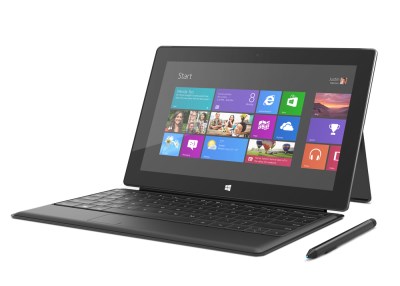
Just a quick update — the Windows Store has an updated version of eWallet for Windows 8/RT that includes several fixes including: better drawing of graphics for the Surface Pro, ability to launch this version from a .wlt file, and some minor bug fixes. Thanks as always for your feedback and keep it coming!

SurfaceTypecover_Web40

Share this article:


eWallet GO! Sale Extended Through Friday!

by Marc

eWallet GO! We had such an incredible response to our eWallet GO!™ Back to School sale that we decided to extend it!  For the next five days, you can get eWallet GO! on any platform for just 99 cents.

Follow the links below to get eWallet GO! for just 99 cents!

Thanks again to everyone that purchased eWallet GO! and a special thank you to everyone who reviewed it. We really appreciate your support, and we want to thank you for helping to make eWallet GO! the best-selling secure information management app in the iTunes App Store!

Share this article:


eWallet GO!—Auto-Sync and an Amazing Sale!

by Marc

eWallet GO! We’re very excited to announce the addition of automatic synching for eWallet GO!™ on Windows PC and iOS. With this update, eWallet GO! can automatically save an encrypted backup of your info to either Google Docs or Dropbox whenever you make a change! And if you set up eWallet GO! on another device to synchronize with the same service, eWallet GO! will automatically synchronize the information between the devices. No more manual backup and restore!

This feature is only available on Windows PC and iOS at this time, but we hope to add it to eWallet GO! on Mac, Android, and Windows Phone in the future.

As if that weren’t enough, we also added full Landscape support to eWallet GO! on iOS.

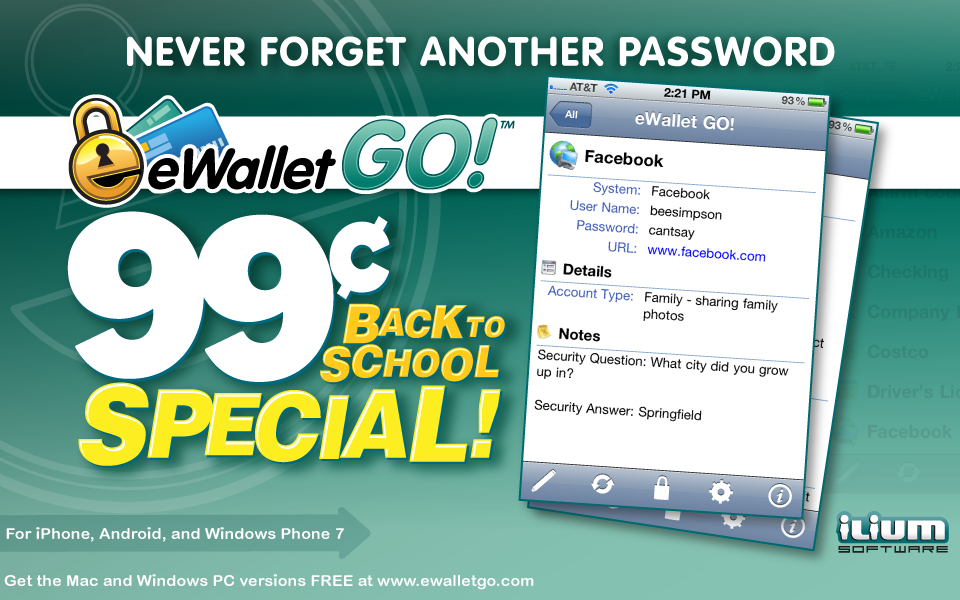
To celebrate this release, we’re offering a Back-to-School Special! For a limited time, you can get eWallet GO! for your mobile device (iOS, Android, or Windows Phone) for just 99 cents! But wait…there’s more! You can also get eWallet GO! on your Windows PC or Mac for free!

What are you waiting for? Hop over to http://www.ewalletgo.com and get your copies of eWallet GO! before the sale ends!

Share this article:


eWallet for Windows Phone 7

by Marc

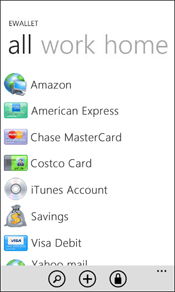
With the official Windows Phone 7 announcement going out yesterday, I wanted to let you know that we’re working on a version of eWallet for Microsoft’s new mobile OS! eWallet for Windows Phone 7 is designed to perfectly fit the look and feel of the new OS. It takes the best features of eWallet and adapts them to Window Phone 7’s unique interface.

If you’ve gotten your hands on a Windows Phone 7 device, you know that Microsoft has created a really compelling OS. I know a lot of people had their doubts, but I have to say that Microsoft pulled out all the stops on this. The end results are devices that are really exciting to design software for.

Unfortunately, I can’t offer much more at this stage - you’ll have to wait for the official release for that - but I did include a screenshot below to give you a little hint of what we’re working on!

Share this article: